GizmoBench guides
Avoid 33% Size Bloat: Base64 Encoding for Developers

Base64 encoding converts arbitrary binary data into a 64-character ASCII-safe format so you can push binary content through channels built for text, such as email or JSON. It is a transformation, not a cipher: anyone can reverse it instantly, so it never protects secrets. Reach for it when you need to embed images in CSS, attach files to email, or carry binary payloads inside JSON or XML, and expect the encoded output to run about a third larger than the original.
TL;DR:
- Base64 encodes binary data into a 64-character ASCII-safe format, increasing size by roughly 33 percent, making it unsuitable for secret protection.
- It processes data in 3-byte chunks, converting them into four 6-bit groups that map directly to the fixed alphabet, with padding used for incomplete blocks.
- Base64url swaps
+and/for URL-safe-and_, often omits padding characters, and is widely used in JSON Web Tokens and URL contexts.- It is ideal for embedding images in CSS, email attachments, and binary data in text-based formats, but not for reducing bandwidth or ensuring data confidentiality.
- All major programming languages support Base64 encoding/decoding through standard libraries, with special considerations for byte and string handling across environments.
Table of Contents
- What Is Base64 Encoding and Where Does the Alphabet Come From?
- How Base64 Turns Bytes Into Text: The Bit-Level Mechanics
- Base64URL, Padding Omission, and MIME Line Wrapping
- When Base64 Makes Sense (and When It Doesn’t)
- How to Encode and Decode Base64 in Five Languages
- Browser Gotchas: btoa, atob, and Unicode Text
- Security Pitfalls Developers Actually Hit
- Test Your Base64 Instantly With GizmoBench
- Where to Verify the Details Yourself
- Sources
- FAQ
What Is Base64 Encoding and Where Does the Alphabet Come From?
Base64 takes raw bytes, whatever their content, and maps them onto a fixed set of 64 printable characters that every text system can handle safely. The MDN Glossary describes it as a binary-to-text transformation designed specifically to move arbitrary binary data across text-only channels like MIME email or JSON fields, which do not tolerate raw byte values such as null bytes or control characters.
The alphabet itself is fixed by the standard, RFC 4648, and every compliant encoder uses it the same way:
- Uppercase letters A through Z (26 characters)
- Lowercase letters a through z (26 characters)
- Digits 0 through 9 (10 characters)
- Plus (
+) and slash (/) as the final two characters - Equals (
=) reserved as the padding character, not part of the 64-symbol set
That 64-character set is exactly what gives the encoding its name. Because each character represents 6 bits of data instead of the 8 bits a raw byte carries, encoded output grows. Base64 encoding increases data size by roughly 33 percent, according to MDN. A 3 MB file becomes a 4 MB Base64 string, which matters when you’re budgeting API payload limits or database column sizes. Older MIME and PEM implementations also wrap encoded output at 76 characters per line with CRLF line endings, a holdover from email transport limits you’ll still encounter in certificate files and older mail systems.
How Base64 Turns Bytes Into Text: The Bit-Level Mechanics
Base64 works by regrouping bits, not by looking up whole characters. Understanding the regrouping is the difference between copying example code and actually knowing why it behaves the way it does when your input length doesn’t divide evenly.
- Take 3 bytes at a time. Three bytes equal 24 bits. That number matters because 24 divides cleanly into four groups of 6 bits, and 6 bits is exactly enough range to index into a 64-character alphabet (2^6 = 64).
- Split those 24 bits into four 6-bit chunks. Each chunk is a number from 0 to 63, which maps directly to one character in the Base64 alphabet.
- Look up each 6-bit value in the alphabet table. Four chunks become four output characters, so 3 input bytes always produce exactly 4 output characters.
- Handle leftovers with padding. When the input isn’t a multiple of 3 bytes, RFC 4648 specifies that the final group gets padded with zero bits and the output string is padded with one or two
=characters to signal how much of the last block was real data.
Here’s the padding behavior in practice, straight from the RFC’s own examples: encoding the single character f produces Zg== (two padding characters, since 1 byte needs 2 bits of padding to reach a full 6-bit boundary), encoding fo produces Zm8= (one padding character), and encoding the complete 3-byte string foo produces Zm9v with no padding at all, according to RFC 4648.
Trace foo by hand once and the mechanics click permanently: the letter f is byte 01100110, o is 01101111, and the second o is also 01101111. Concatenated, that’s 24 bits: 011001100110111101101111. Split into six-bit groups you get 011001, 100110, 111101, 101111, which are decimal 25, 38, 61, 47. Those four index values map to Z, m, 9, v, exactly matching the RFC’s published result. If you want to watch that same bit regrouping happen with a number base converter instead of doing it on paper, converting each byte to binary and back is a fast way to sanity-check your own encoder.
Base64URL, Padding Omission, and MIME Line Wrapping
Standard Base64 uses + and /, and both characters carry special meaning inside a URL, so a URL that contains raw Base64 output risks breaking or requiring percent-encoding. Base64URL solves that by swapping the alphabet slightly:
- Base64URL replaces
+with-and/with_, producing output that’s safe to drop directly into a URL path, query string, or filename without further escaping, per RFC 4648. - Padding is frequently omitted in URL-safe contexts, since the
=character has no special URL meaning but is often stripped anyway for shorter tokens. If your length is known implicitly, such as a fixed-size hash, you can decode without padding by calculating how many=characters would be needed and adding them back before calling a strict decoder. - MIME and PEM formats wrap standard Base64 at 76 characters per line, separated by CRLF, a convention left over from early email transport that still shows up in
.pemcertificate files today.
You’ll see base64url constantly in JSON Web Tokens, where the header, payload, and signature are each base64url-encoded and joined with periods. GizmoBench’s JWT decoder is a fast way to see that variant in a real, structured example rather than an isolated string.
When Base64 Makes Sense (and When It Doesn’t)
Base64 earns its place whenever a text-only channel needs to carry binary content without corrupting it. The classic cases are well established:
- MIME email attachments, the original use case the format was built for
- Data URIs, which embed small images or fonts directly into CSS or HTML instead of a separate file request
- JSON or XML fields, where binary values like encryption keys or thumbnails need to survive as valid text
- Configuration files and environment variables that can’t hold raw binary safely
Base64 is the wrong tool when bandwidth or storage is tight, since that 33 percent size increase is pure overhead with no compression benefit. It’s also the wrong tool for anything confidential, because encoding provides zero protection against a person reading it. If your bytes are already flowing through a binary-safe transport, such as a raw HTTP body or a binary database column, encoding them into Base64 first only adds size for no gain. Compressing data before encoding, rather than after, is usually the better order, since compressed output tends to look closer to random noise and won’t compress further once it’s already text.
Pro Tip: If you’re not sure whether your transport is actually binary-safe, test it with something unambiguous, like a small PNG or a string containing null bytes, before you commit an architecture to Base64 as a workaround.
How to Encode and Decode Base64 in Five Languages
Every mainstream language ships a standard-library way to do this, and the pitfalls are almost always about byte handling, not the algorithm itself.
-
JavaScript (browser). For plain ASCII,
btoa("hello")works. For anything with non-Latin1 characters or arbitrary binary, encode to bytes first withTextEncoder, then convert those bytes to a Base64 string manually or viaUint8Array. Working with anArrayBufferfrom afetch()response is the safest path for binary files, sincebtoaalone chokes on code points above 255. -
Python. The standard library makes this direct:
base64.b64encode(b"hello")returns bytes, andbase64.b64decode(encoded)reverses it. Because Python’sbase64module works on bytes objects, remember to.encode()a string before encoding and.decode()after decoding if you need a plain string back. For files, open in binary mode ("rb") and pass the raw bytes straight tob64encode, exactly as documented in the Python base64 module, which also exposesurlsafe_b64encodeandurlsafe_b64decodefor the base64url variant. -
Go. The
encoding/base64package providesbase64.StdEncoding.EncodeToString([]byte)andbase64.StdEncoding.DecodeString(string). SwapStdEncodingforURLEncodingwhen you need the URL-safe alphabet, andRawStdEncodingwhen you want padding stripped. -
Java.
java.util.Base64offersBase64.getEncoder().encodeToString(bytes)andBase64.getDecoder().decode(string), withgetUrlEncoder()andgetMimeEncoder()variants covering the URL-safe and line-wrapped cases respectively. -
Shell. The
base64command-line utility handles files directly:base64 file.png > file.txtencodes, andbase64 -d file.txt > file.pngdecodes.openssl base64 -in file -out file.b64does the same job on systems where the standalonebase64tool isn’t installed.
Whichever language you use, run a round-trip test on every new implementation: encode your input, decode the result, and compare it byte-for-byte against the original, a check the Python documentation implicitly assumes when demonstrating its encode and decode pair together. If the round trip doesn’t match, the bug is almost always in how you converted between strings and bytes, not in the Base64 math itself.
Browser Gotchas: btoa, atob, and Unicode Text
The built-in browser functions btoa() and atob() look like a complete Base64 solution, but they carry a sharp edge: both interpret the string as a sequence of single-byte characters and throw an error on any code point above 0xFF, according to MDN’s documentation for btoa(). That means btoa("café") fails outright, since é sits outside the Latin1 range btoa expects.
- Use
TextEncoderandTextDecoderto convert JavaScript strings to and from UTF-8 byte arrays before handing them to a Base64 routine, sidestepping the Latin1 restriction entirely. - Work with
Uint8Arraywhen your source is already binary, such as file data from an<input type="file">element or afetch()response body. - Watch data URL encoding closely. A
data:URL embeds Base64 after a MIME type declaration, and the+,/, and=characters inside it are valid there but can trip up code that assumes percent-encoding rules apply uniformly across the whole URL.
Pro Tip: If a data: URL you built by hand won’t render, check for a missing comma between the MIME declaration and the Base64 payload, that’s the most common one-character bug in hand-rolled data URIs. GizmoBench’s binary translator is useful for isolating whether a bug is in your byte conversion step or in the Base64 step itself.
Security Pitfalls Developers Actually Hit
Base64 is not encryption, and it never was designed to be. Encoded text is trivially reversible by anyone with a text editor and five seconds, so treating it as a way to “hide” API keys, passwords, or personal data in transit or storage is a real and common mistake, one flagged directly in guidance from AWS on Base64 and security.
- Never rely on Base64 to protect confidential data. Use actual encryption if concealment is the goal.
- Validate untrusted input before decoding it. Check length, confirm every character belongs to the expected alphabet, and confirm padding is correctly formed, rather than passing raw external strings straight into a decoder.
- Be careful with decoded output used as filenames, paths, or SQL fragments. Decoded bytes can contain characters that enable path traversal or injection if you don’t sanitize them the same way you would any other untrusted input.
Test Your Base64 Instantly With GizmoBench
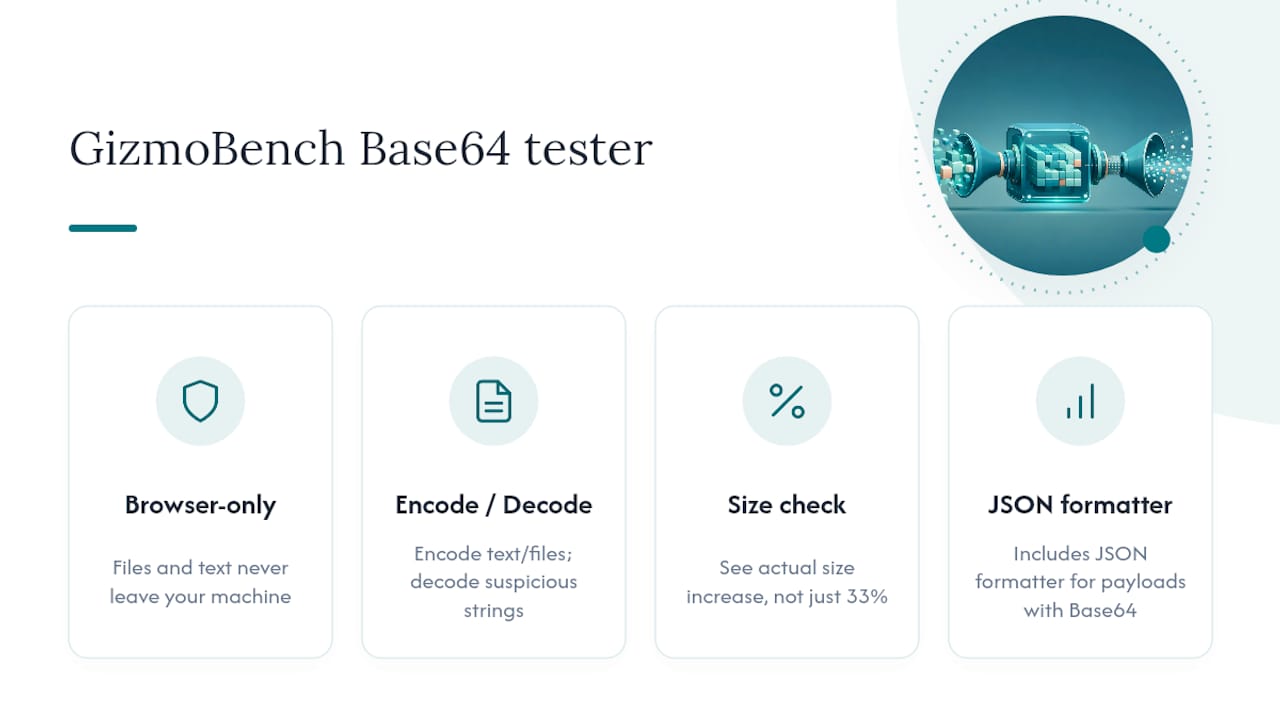
Working through the mechanics by hand is worth doing once, but verifying real payloads calls for a tool you can trust with the actual data. GizmoBench’s Base64 Encoder & Decoder runs entirely in your browser, so files and text never leave your machine for a server somewhere, which matters if you’re testing anything sensitive while debugging. You can encode text or files, decode a suspicious string back to plain text, and confirm your own code’s output matches before you ship it, all without creating an account.
It’s a practical way to check the worked examples in this guide, paste in Zm9v and confirm you get foo back, or run your own file through it to see the size increase in real numbers rather than taking the 33 percent estimate on faith. If you work with encoded data regularly, GizmoBench’s broader developer tools category also includes a JSON formatter for cleaning up payloads that carry Base64 fields alongside other structured data.
Where to Verify the Details Yourself
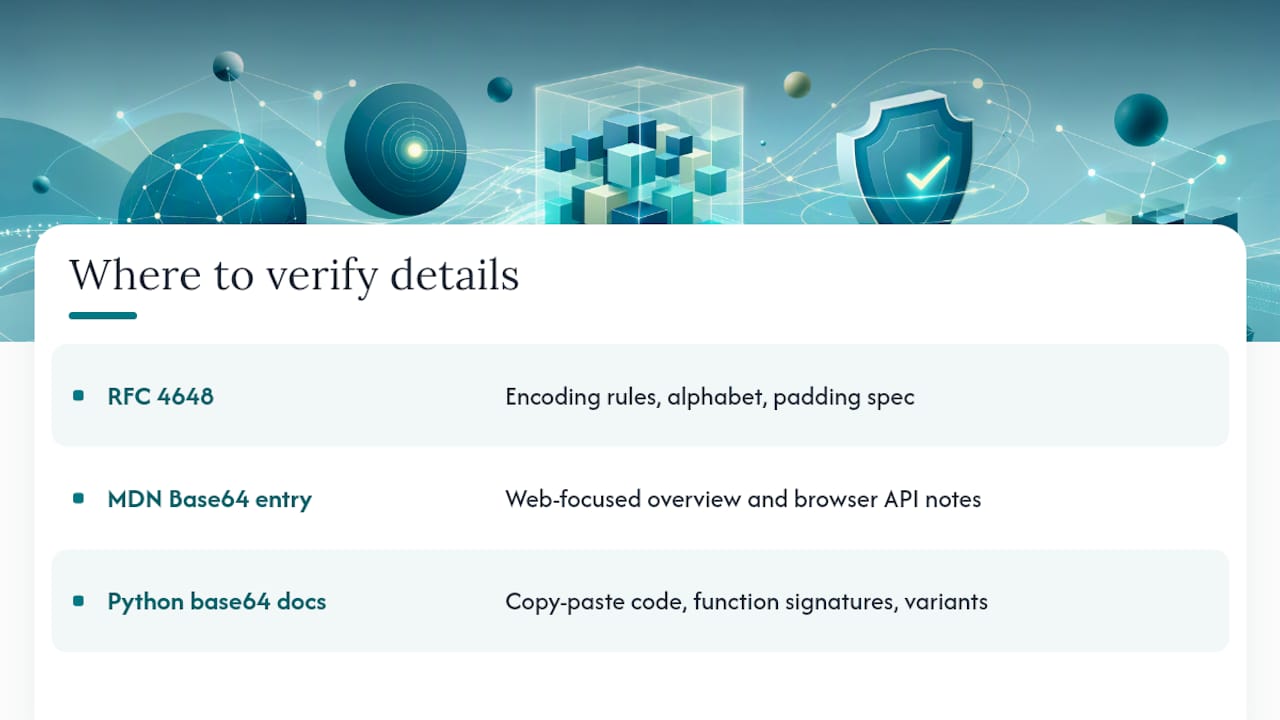
For the exact encoding rules, alphabet definition, and padding specification, RFC 4648 is the primary standard every implementation follows. MDN’s Base64 glossary entry covers the concept from a web-developer angle, including browser API notes. For copy-paste-ready code, the Python base64 module documentation lays out every function signature and variant directly from the source.
Sources
- RFC 4648 - The Base16, Base32, and Base64 Data Encodings
- base64 — Base16, Base32, Base64, Base85 Data Encodings — Python documentation
FAQ
What Is Meant by Base64 Encoding?
Base64 encoding is a binary-to-text transformation that turns arbitrary binary data into a 64-character ASCII-safe string, letting it travel safely through systems built for text, like email or JSON. It relies on the alphabet and padding rules fixed by RFC 4648, and it increases the encoded size by about a third compared to the original.
Why Do Hackers Use Base64?
Base64 sometimes shows up in malicious scripts or payloads because it lets attackers obscure text from casual visual inspection or simple pattern-matching filters, not because it provides real protection. Since Base64 is not encryption, any decoded string reverses instantly with a standard decoder, so its use in malware is about evasion of naive detection, not genuine concealment.
How Can I Tell if Something Is Base64 Encoded?
A Base64 string almost always uses only the characters A through Z, a through z, 0 through 9, plus + and / (or - and _ for base64url), and its length is typically a multiple of 4, sometimes ending in one or two = padding characters. If you’re unsure, running the string through GizmoBench’s Base64 encoder and decoder and checking whether it decodes to readable text or a valid file is a faster confirmation than trying to eyeball it.
How Do I Base64 Encode a File?
The exact steps depend on your tool: the shell command base64 file.ext > output.txt encodes a file from the command line, while Python’s base64.b64encode() handles it in code when the file is opened in binary mode, as documented in the Python base64 library. For a quick, no-install option, GizmoBench’s Base64 Encoder & Decoder processes files directly in your browser without uploading them anywhere.