The everyday essentials.
For each household
- 5 active bills
- 2 active lists with unlimited items
- 2 active notes
Sharing, activity, standard reminders, calendars, payment history and exports are included.
 Binder
A little order. A little lighter.
Keep bills, reminders and household records in one place. See the month ahead and who marked each bill paid. No bank login needed.
Download on the App StoreFor iPhone and iPad · Start with the free plan
From the maker of Gizmobench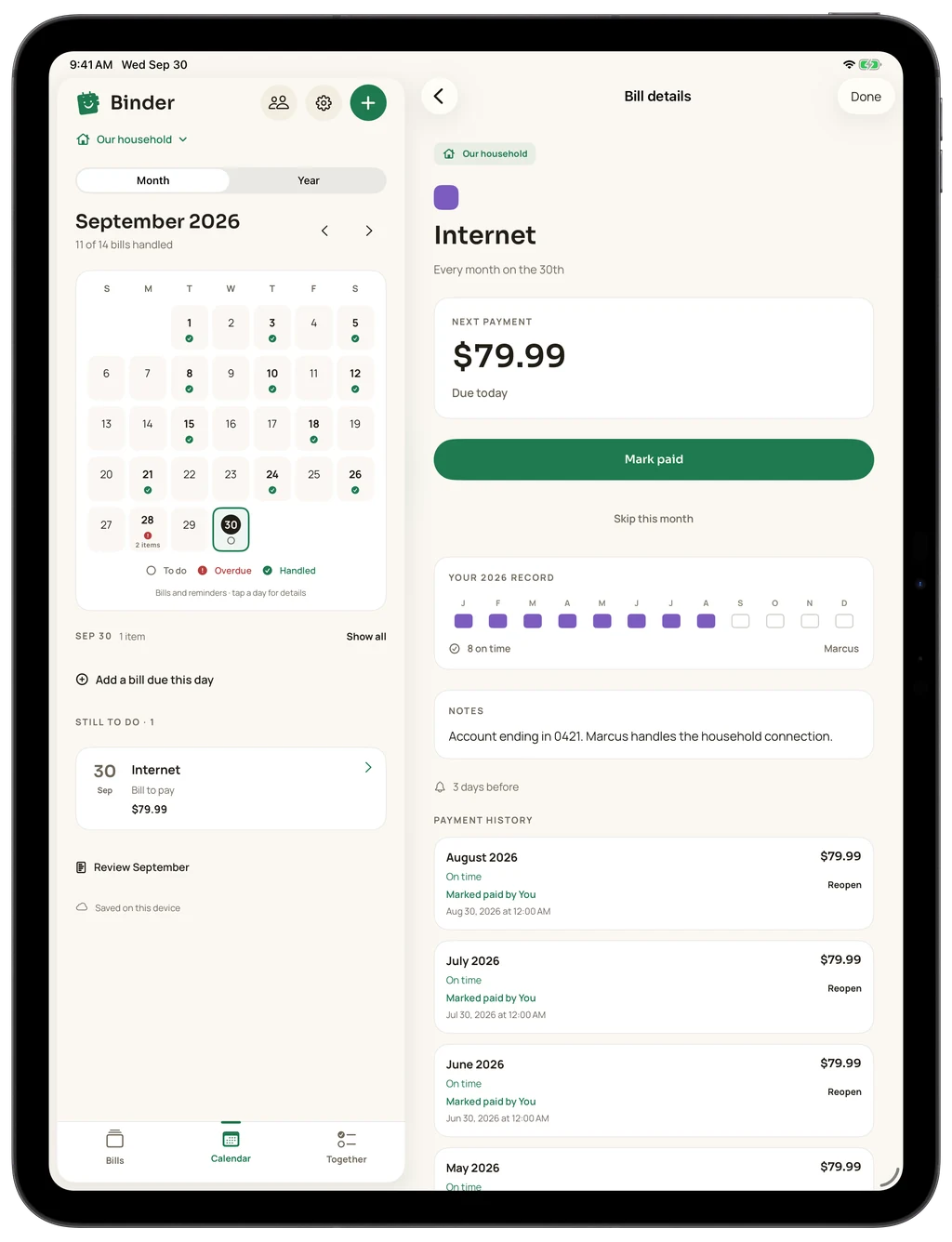
 The details, out of your head.
01 / A home for your bills
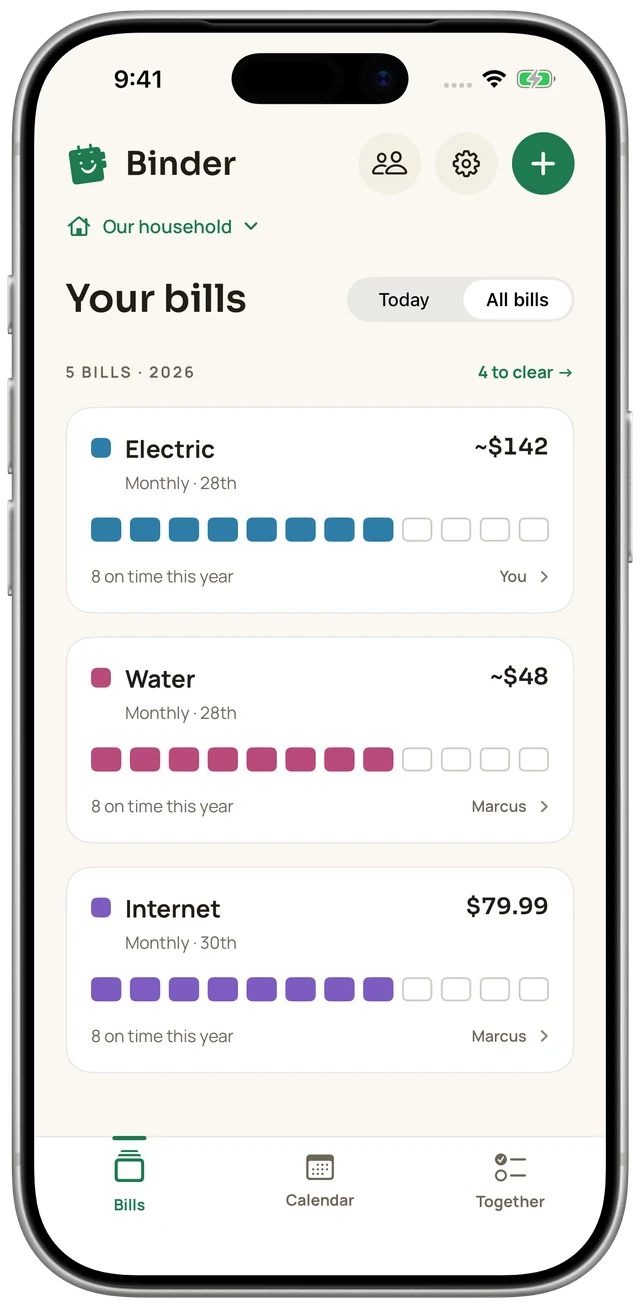
The electric bill. The internet. The one that comes around just once. Give each bill a place, with its amount, due date, notes and the person responsible.
See what is coming up, then record payments as you make them.
02 / A nudge at the right time
A day before. A week before. A time that works for you. Choose when each bill should remind you, so the next due date has a place in your day.
Allow notifications on your device. Shared bill reminders also depend on your latest iCloud sync.
03 / The whole month, in view
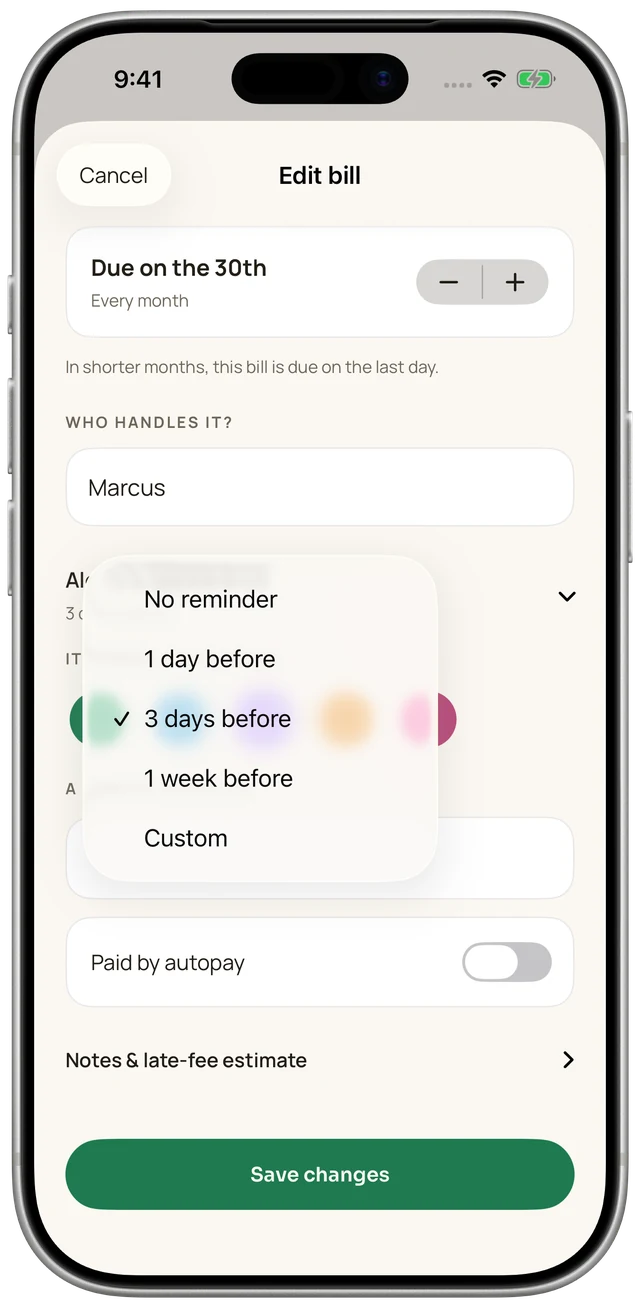
A calendar for the many little dates that make up a household. See what is handled, what is overdue and what is still to do.

Real app screens with example household records.
04 / On the same page
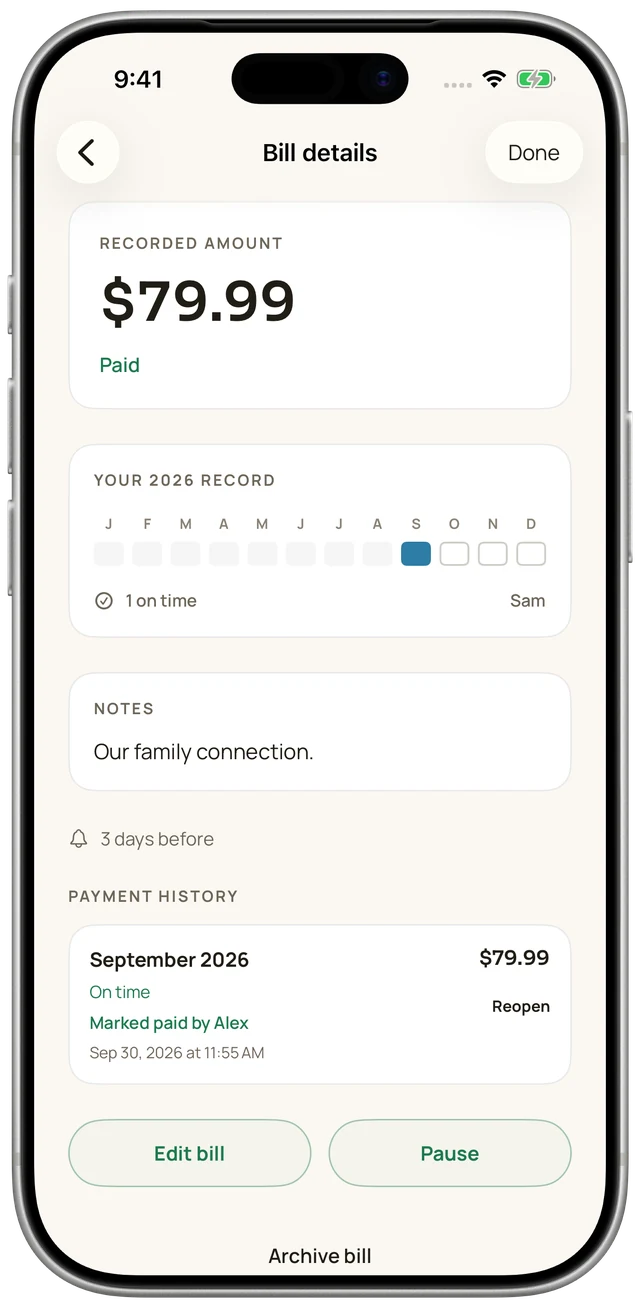
Invite your household privately through iCloud. Choose who can view or edit, and see who marked a bill paid.
Separate households stay separate. Sharing requires iCloud accounts and available sync.
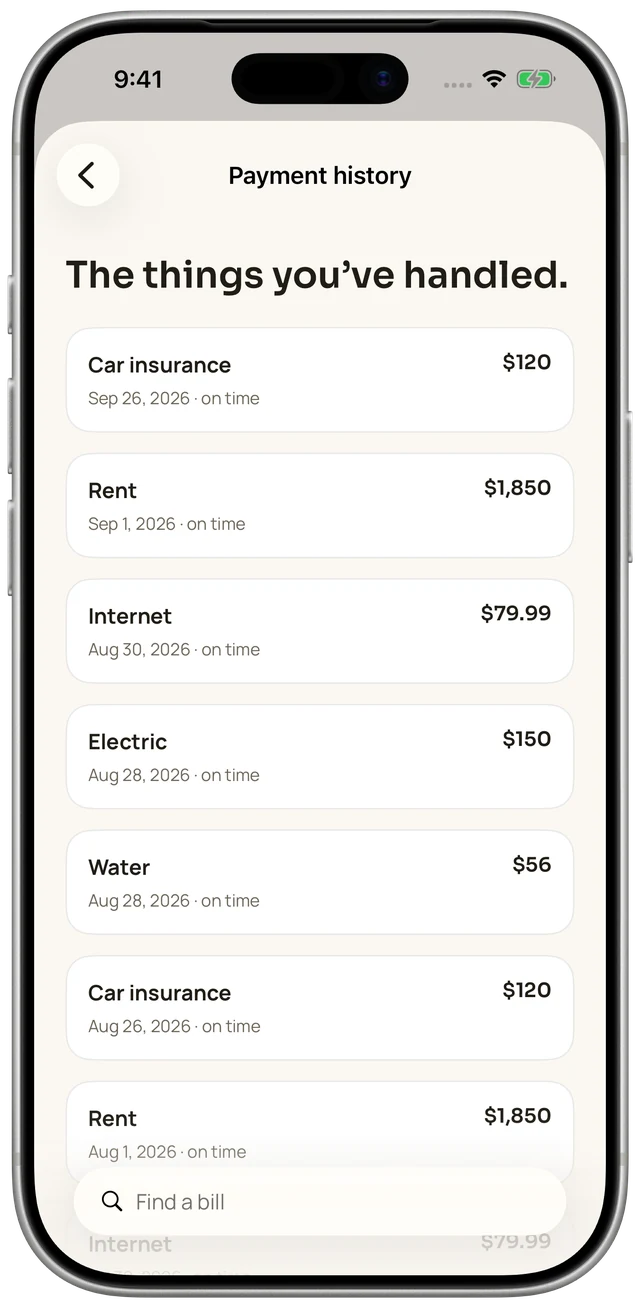
Marking paid records an action in Binder. It does not send or verify a bank payment.
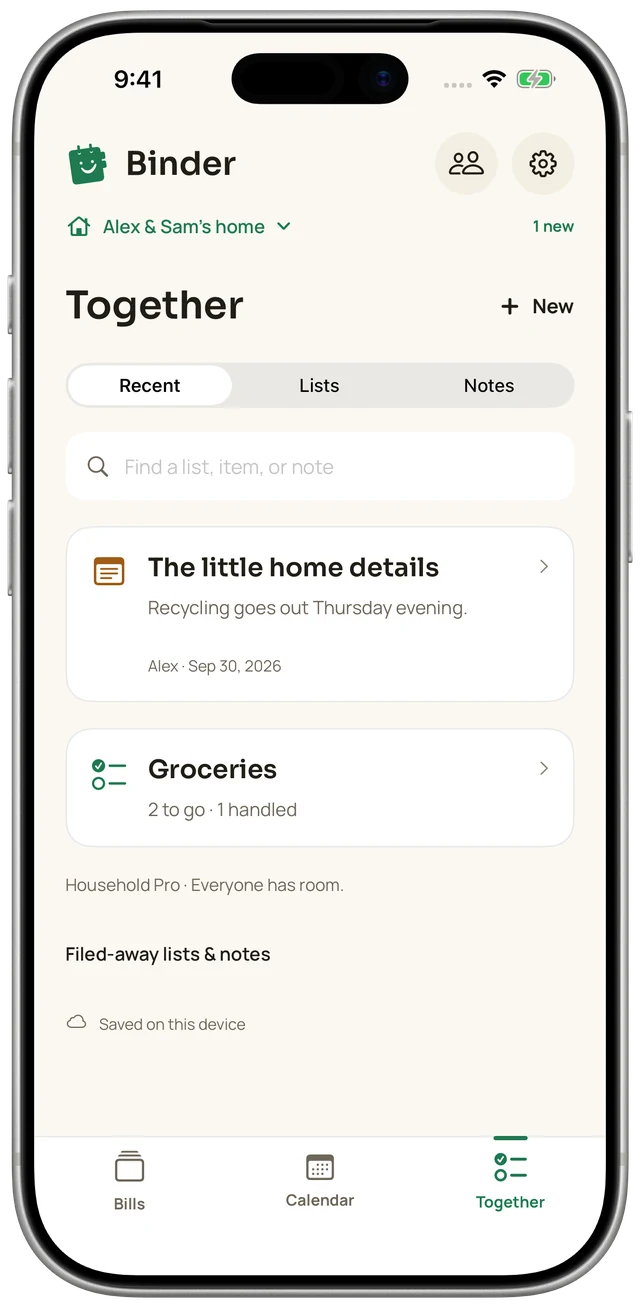
05 / The rest of life, too
Keep the grocery list and household notes beside the bills. Shared lists include unlimited items, and note history lets you revisit saved versions.
Week Ahead, widgets, Shortcuts and exports help you keep those details close.
Start small. Keep it together.
For each household
Sharing, activity, standard reminders, calendars, payment history and exports are included.
For households you organize
One organizer’s subscription covers their households. Participants do not each need Pro.
See current localized prices and any trial eligibility in Apple’s purchase sheet. If Pro ends, existing records remain accessible and editable. Free limits apply to new additions and restores.
No. Binder is a manual bill organizer. You add bill names, amounts, due dates and notes yourself. It does not read your bank account, scan your email or send payments.
Yes. Invite people privately through iCloud and choose view or edit access. Shared records include bills, lists, notes and activity. Each household stays separate. Participants need iCloud accounts, and updates depend on connectivity, storage and Apple service availability.
Each household can have 5 active bills, 2 active lists and 2 active notes. List items are unlimited. Sharing, activity, standard reminders, calendars, payment history and exports are included.
Binder records that action in the household history, including who marked it paid. It does not make the payment or confirm that money reached the biller. Check payment confirmation with your bank or biller.
No. Pro unlocks unlimited bills, lists and notes for households organized by the subscriber. Participants do not each need a subscription. Current prices and any eligible trial appear in Apple’s purchase sheet.
Your existing records remain accessible and editable. New additions and restores are subject to the free limits. You can manage your subscription through your Apple Account settings.
Choose the reminder timing for a bill and allow notifications on your device. Reminders are scheduled locally. For a shared household, they also depend on the latest records syncing to that device.
One place. A little more peace of mind.
Binder for iPhone and iPad